The macOS Dock, rebuilt from Apple's own values.

WormaDock looks and behaves like Apple's Dock. Magnification, bounce, autohide, stacks, menus and drag and drop use values read from the Dock itself. Then it adds what the Dock never had.

Free. macOS 26 Tahoe or later, Apple silicon.

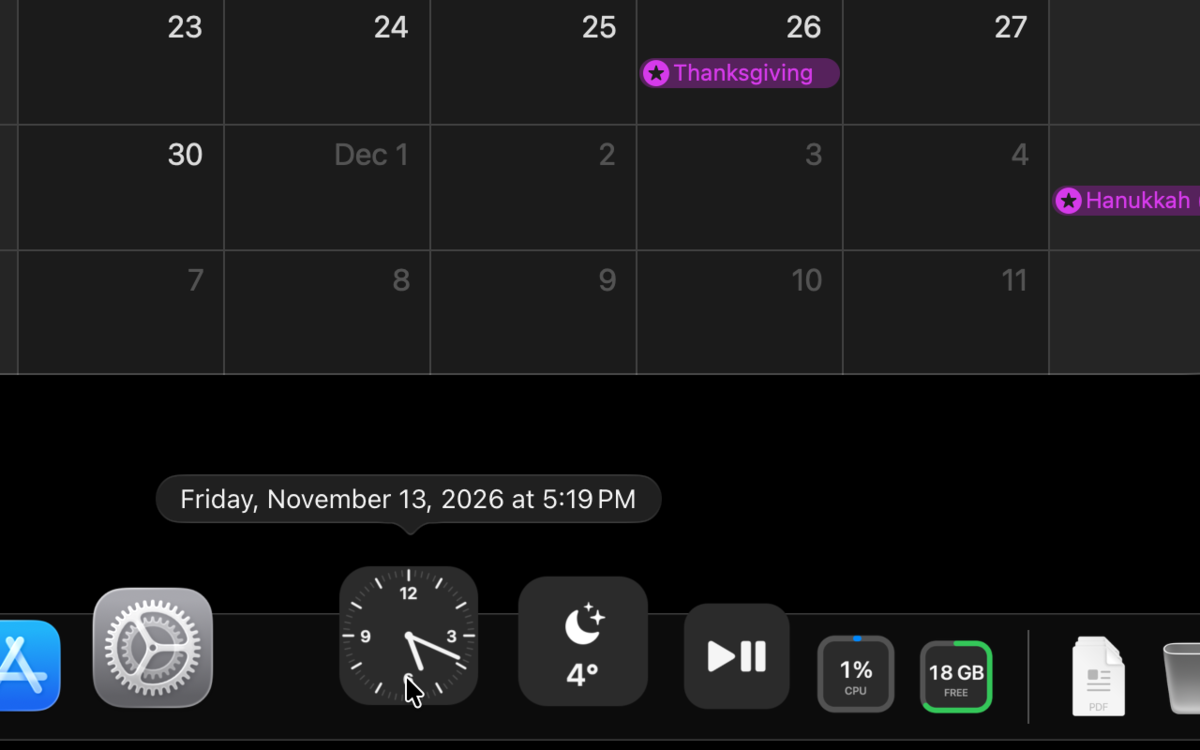
WormaDock along the bottom of a Mac desktop, magnifying the icons under the pointer

Side by side with Apple's Dock

The same Mac, the same apps, the same pointer path. One Dock is Apple's, one is WormaDock.

WormaDock and Apple's Dock, recorded together.

Everything the Dock does, the way the Dock does it.

Each number comes from Dock.app, not from a screenshot.

Values read from Apple's Dock

The magnification curve, the bounce, the autohide timing, stack fans and grids, the menus and drag and drop all follow Dock.app on macOS 27 (Dock 1.8), read from the program itself.

Apple's Dock keeps running, hidden, for Mission Control, Spaces and Command-Tab. It gets its settings back the moment you quit WormaDock.
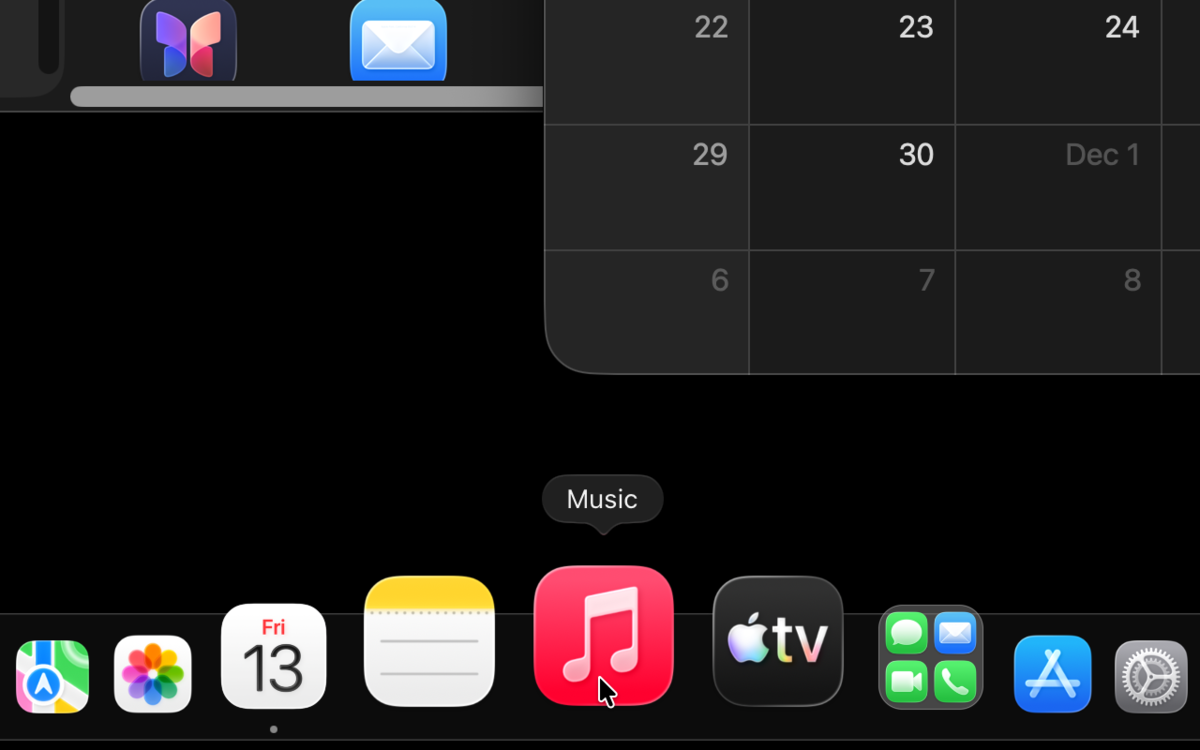
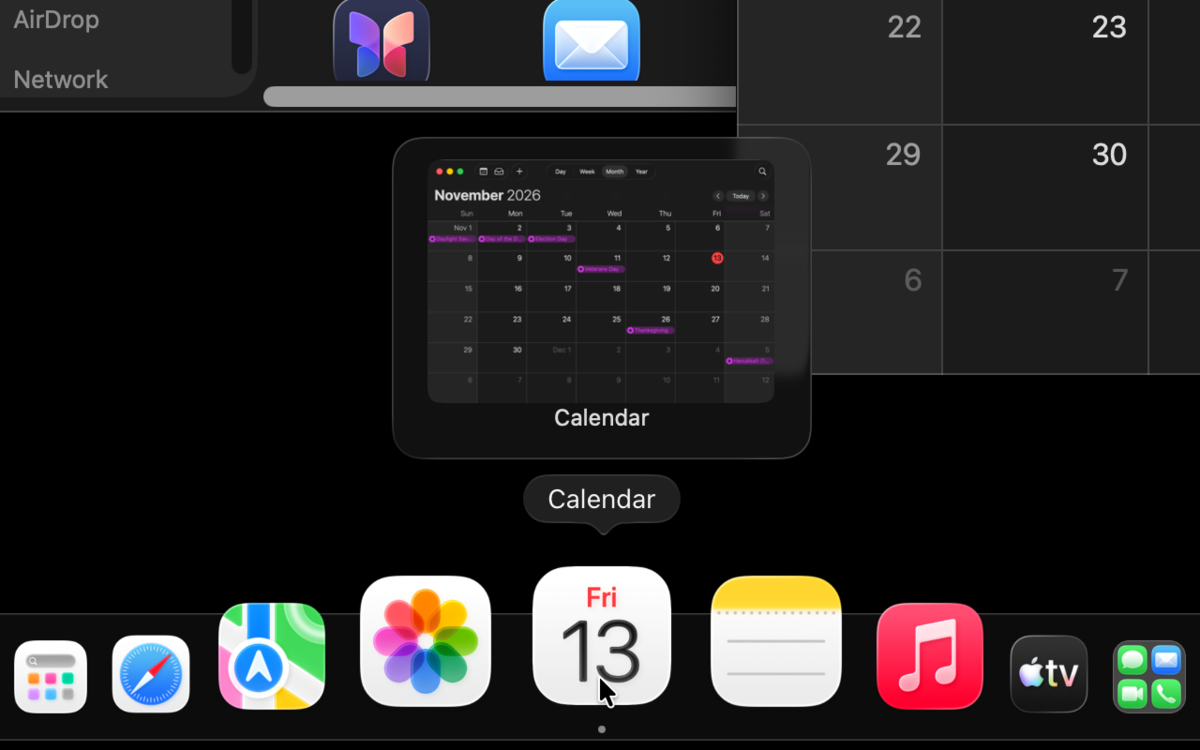
WormaDock magnifying icons with the same curve as Apple's Dock

Window previews

Hover a running app to see its windows. Click one to bring it forward. Tile the front window left, right, fill or center, or pull an app's windows onto this display, from the Dock.

Choose what a click and a scroll on a running app do: cycle its windows, minimize, open a new window, or open App Exposé.

Window thumbnails above a running app in WormaDock

15 widgets, free

Pin them like apps. Each one is a tile in the Dock; several can share a tile as a stack with Pro.

  • Clock
  • World Clock
  • Timer
  • Next Meeting
  • Battery
  • Device Batteries
  • CPU
  • Memory
  • Network
  • Storage
  • Microphone
  • Weather
  • Now Playing
  • Shortcut
  • AirDrop
Clock, weather, Now Playing, CPU and storage widgets as tiles in WormaDock

Groups, spacers, icons, hotkeys

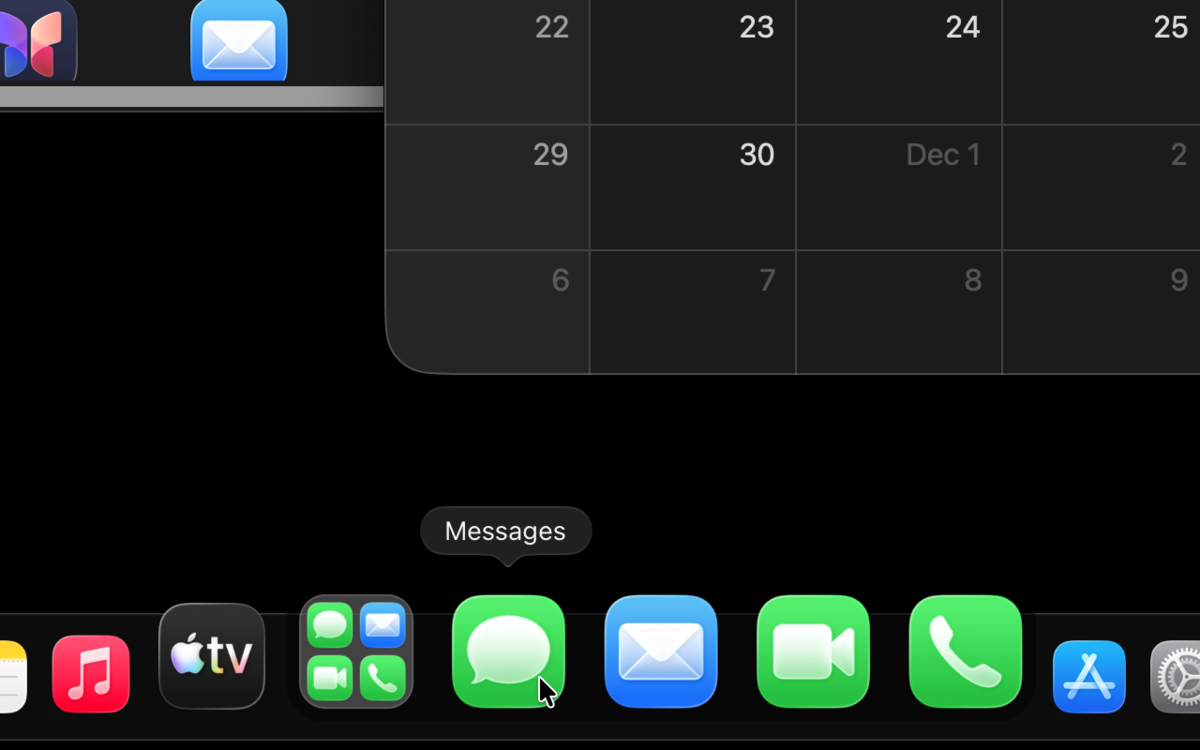
Drop an app on another to make a group. Add fixed and flexible spacers. Give any item a custom icon. Press Control-Option and a number to open an item. An All Apps tile lists every app, Launchpad style.

An app group opened in place in the Dock

Stacks

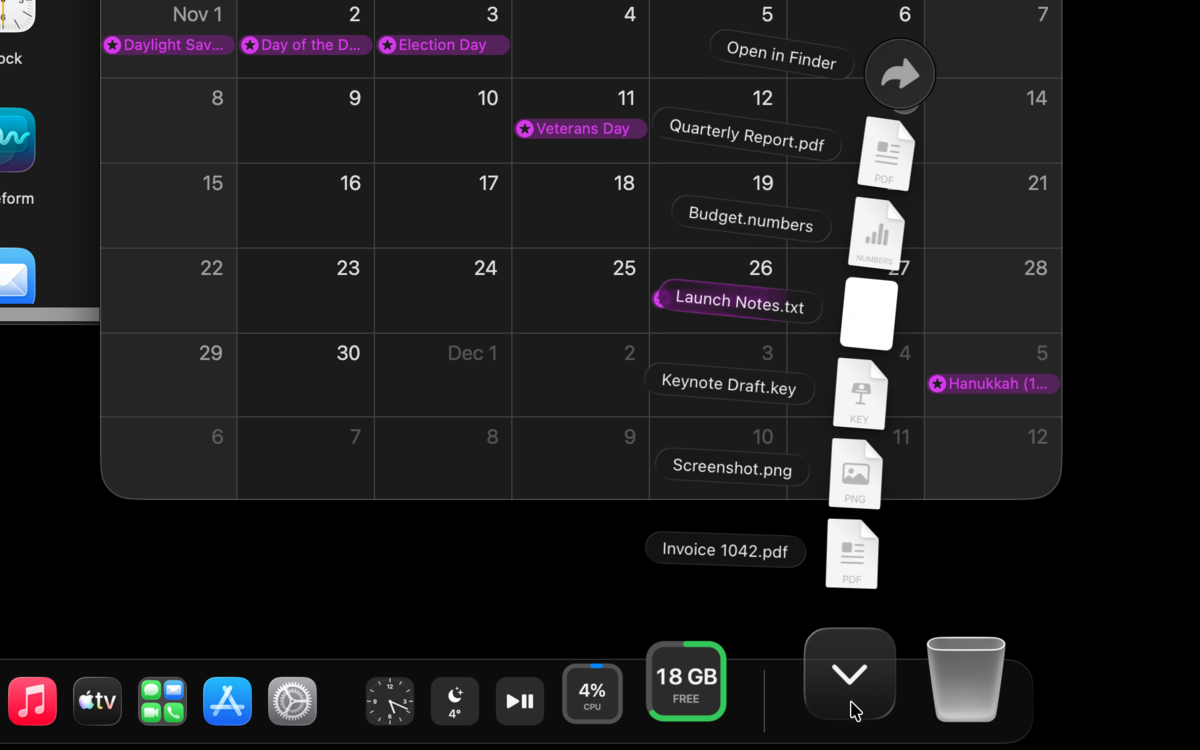
Folders open as a fan, a grid or a list, with Apple's geometry and Apple's animations. Drop files on a folder and Finder moves them.

A folder opened as a fan of files above WormaDock

A different Dock on each display and Space

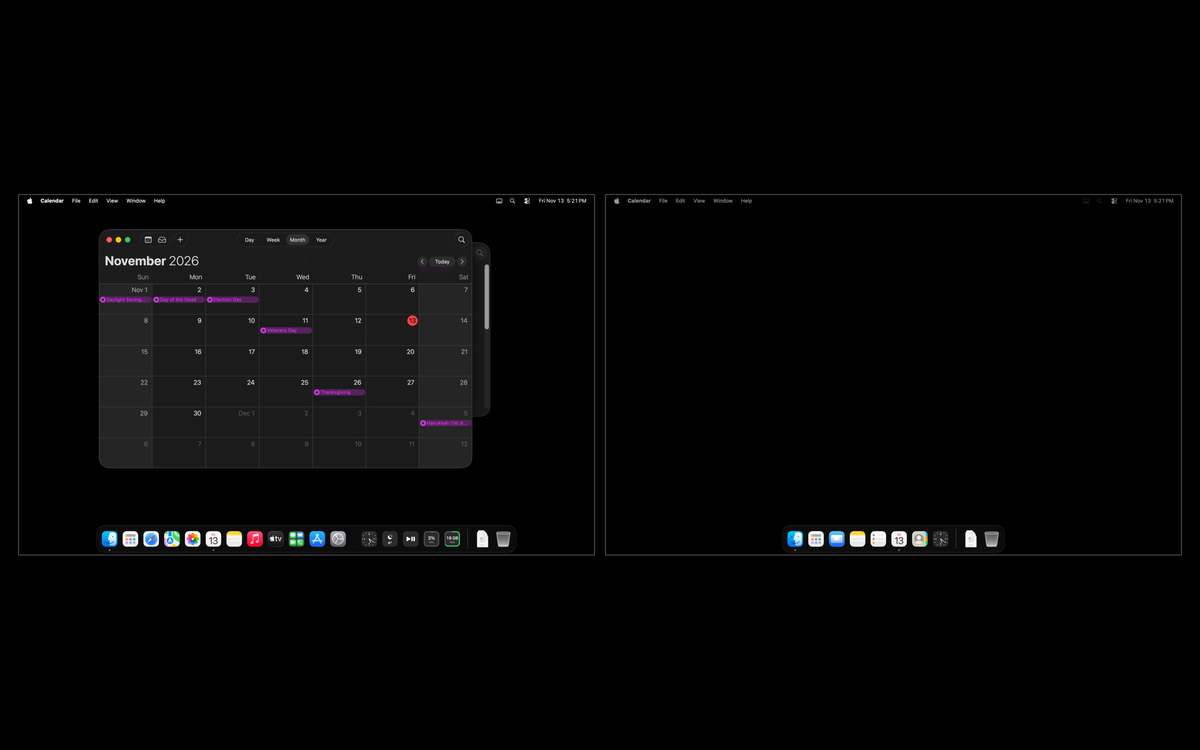
Each display and Space keeps its own pinned items, or shows the profile you assign to it. Switch profiles with a hotkey, from the menu bar or with a swipe on the Dock. Part of WormaDock Pro.

Two displays, each with its own set of Dock items

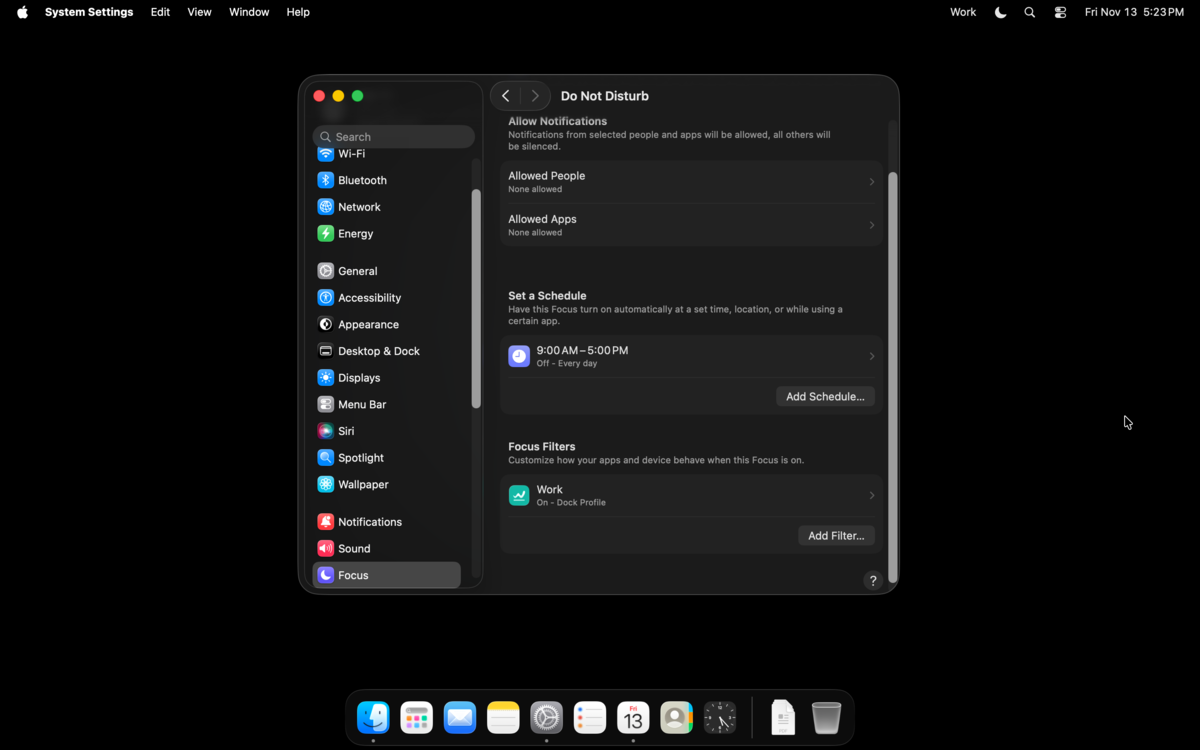
Profiles that follow Focus

Add the WormaDock filter to a Focus and that Focus shows the profile you chose. When it ends, the Dock goes back. Part of WormaDock Pro.

The WormaDock Focus filter in System Settings next to a work profile in the Dock

Free and Pro

Everything Apple's Dock does stays free. Pro adds docks that change with context, and widgets and groups that open in place.

FeatureFreePro
Everything Apple's Dock does: magnification, bounce, autohide, stacks, menus, drag and dropIncludedIncluded
Window previews and window arrangingIncludedIncluded
Click and scroll actions on running appsIncludedIncluded
All 15 widgets as single tilesIncludedIncluded
Spacers, custom icons, hotkeys, All AppsIncludedIncluded
App groups that open as a gridIncludedIncluded
Profiles, switched by hotkey, menu bar or a swipe on the DockIncludedIncluded
Locks for contents, size and position; export and import of your setupIncludedIncluded
Updates in the appIncludedIncluded
A different Dock on each display and SpaceNot includedIncluded
Profiles assigned to a display, a Space or a set of displaysNot includedIncluded
Profiles that follow FocusNot includedIncluded
Widgets that open in the Dock (Clock, Now Playing)Not includedIncluded
Widget stacks and wide widgetsNot includedIncluded
App groups that open in the DockNot includedIncluded

When Pro ends, nothing is lost. Every Dock shows the same items, groups open as a grid, a widget stack shows its first widget one tile wide, a Focus leaves the Dock alone. Your setup comes back with Pro.

Pricing

One price, one time. No account, no subscription.

Free

$0

Apple's Dock, rebuilt, plus previews, widgets, groups and profiles.

Download

WormaDock Pro

$9.99 $15

Launch price until January 15, 2027, then $15. One-time payment.

  • 30-day free trial, no card, started from Settings
  • One key for 3 Macs
  • All 1.x updates
  • 30-day refund, no questions

Buy Pro

Sold by Polar, the merchant of record. Taxes are added at checkout where they apply. A future 2.0 will be a discounted upgrade for 1.x owners; 1.x keeps working.

Download

Open the disk image, drag WormaDock to Applications, open it. Quitting WormaDock brings Apple's Dock back.

  • Direct download

    The latest disk image is on GitHub.

    Latest release on GitHub

  • Homebrew

    From the WormaDock tap.

    brew install --cask wormadock/tap/wormadock
  • Requirements

    macOS 26 Tahoe or later. Apple silicon. Intel Macs are not supported.

    Why not Intel

Your Dock, rebuilt.

Download

Free. macOS 26 Tahoe or later, Apple silicon.