About WormaDock
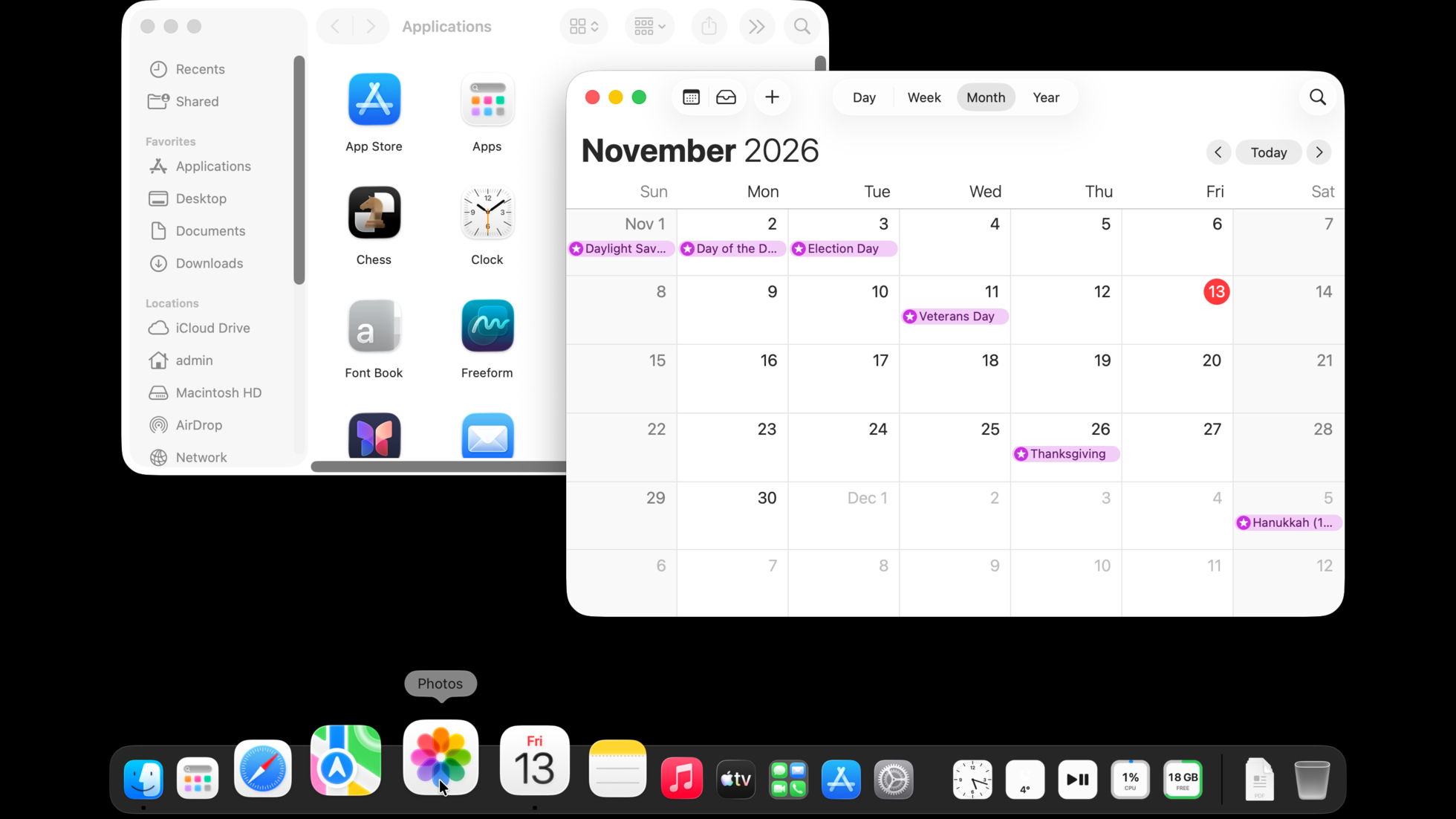
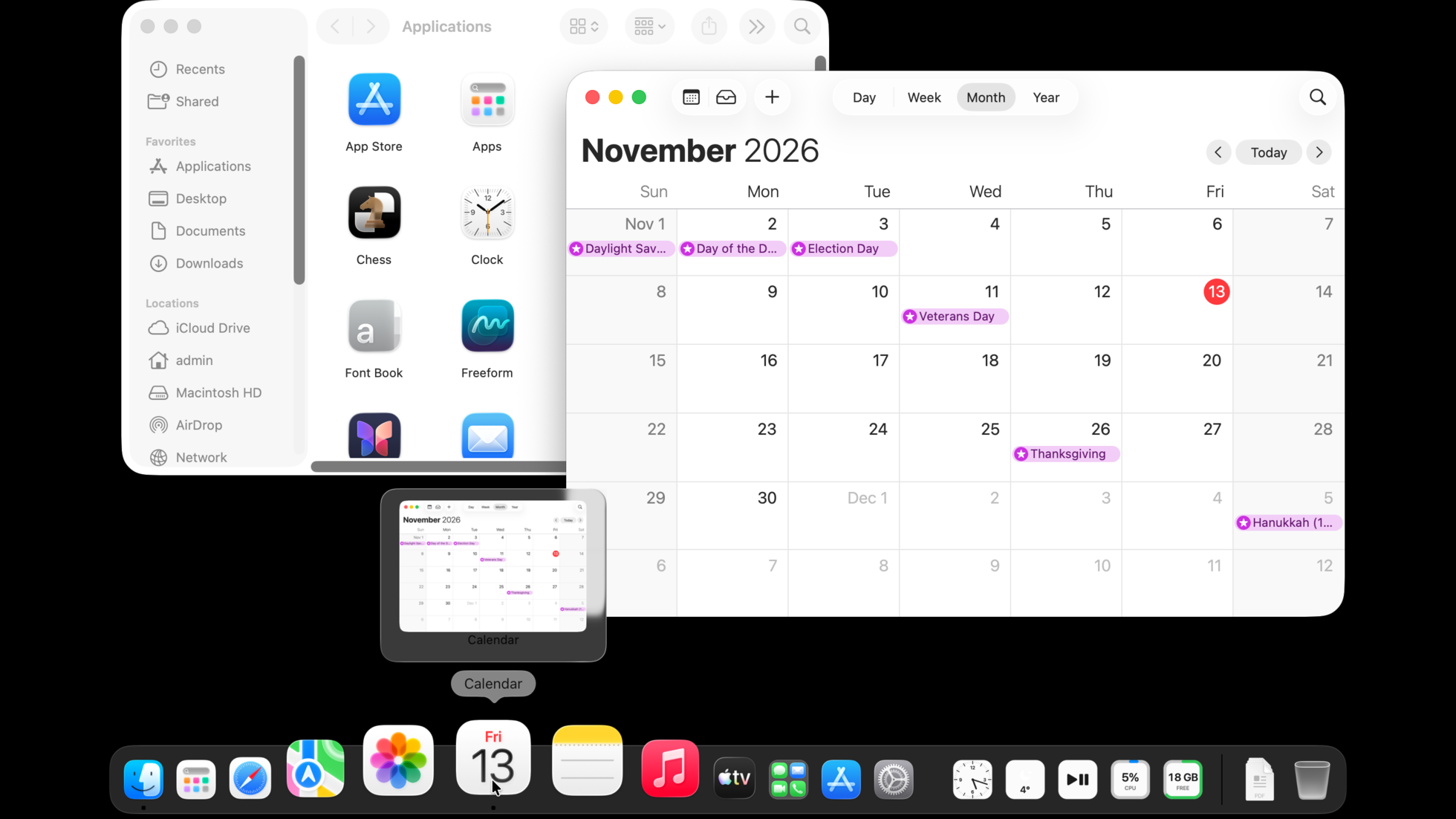
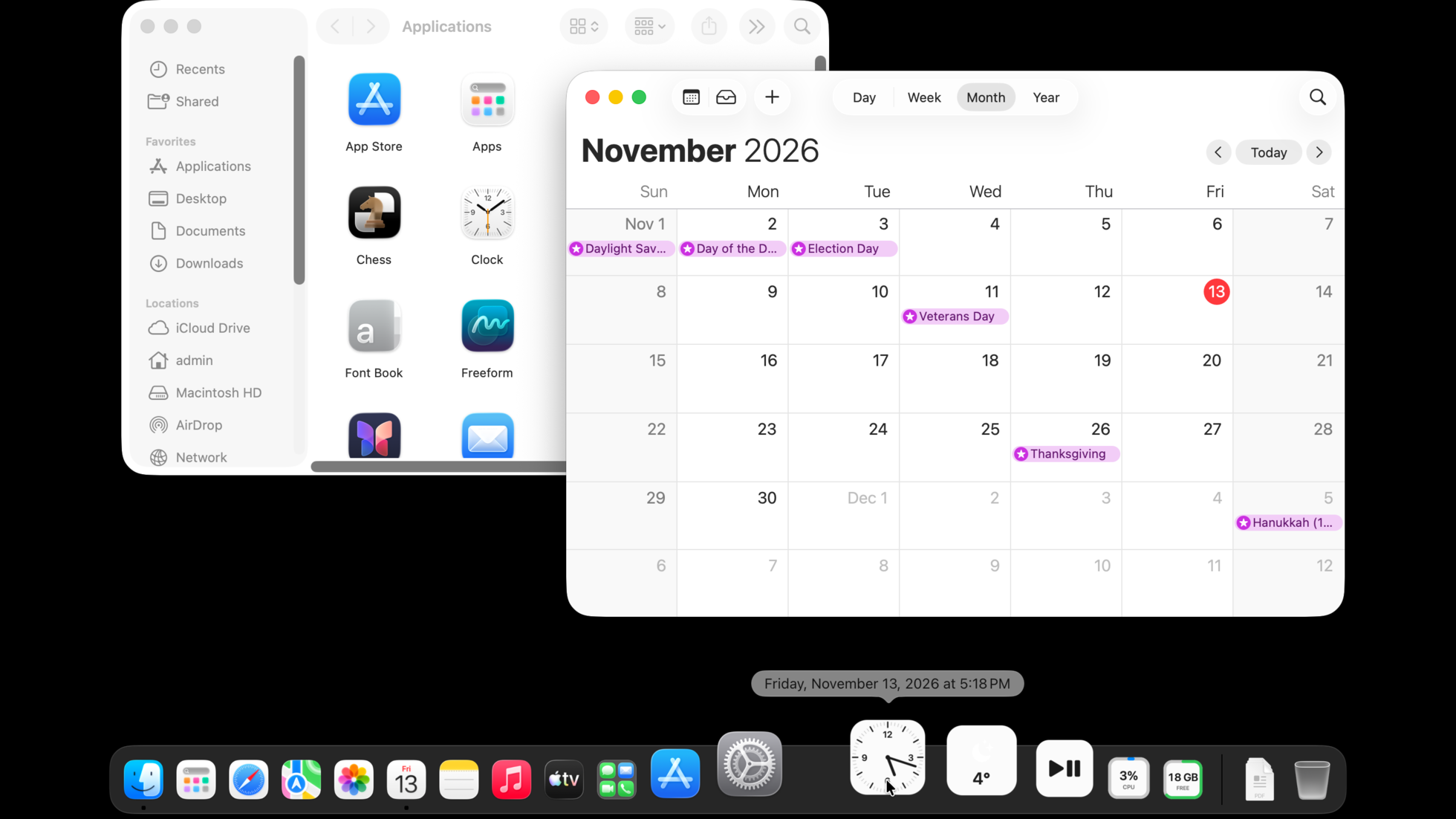
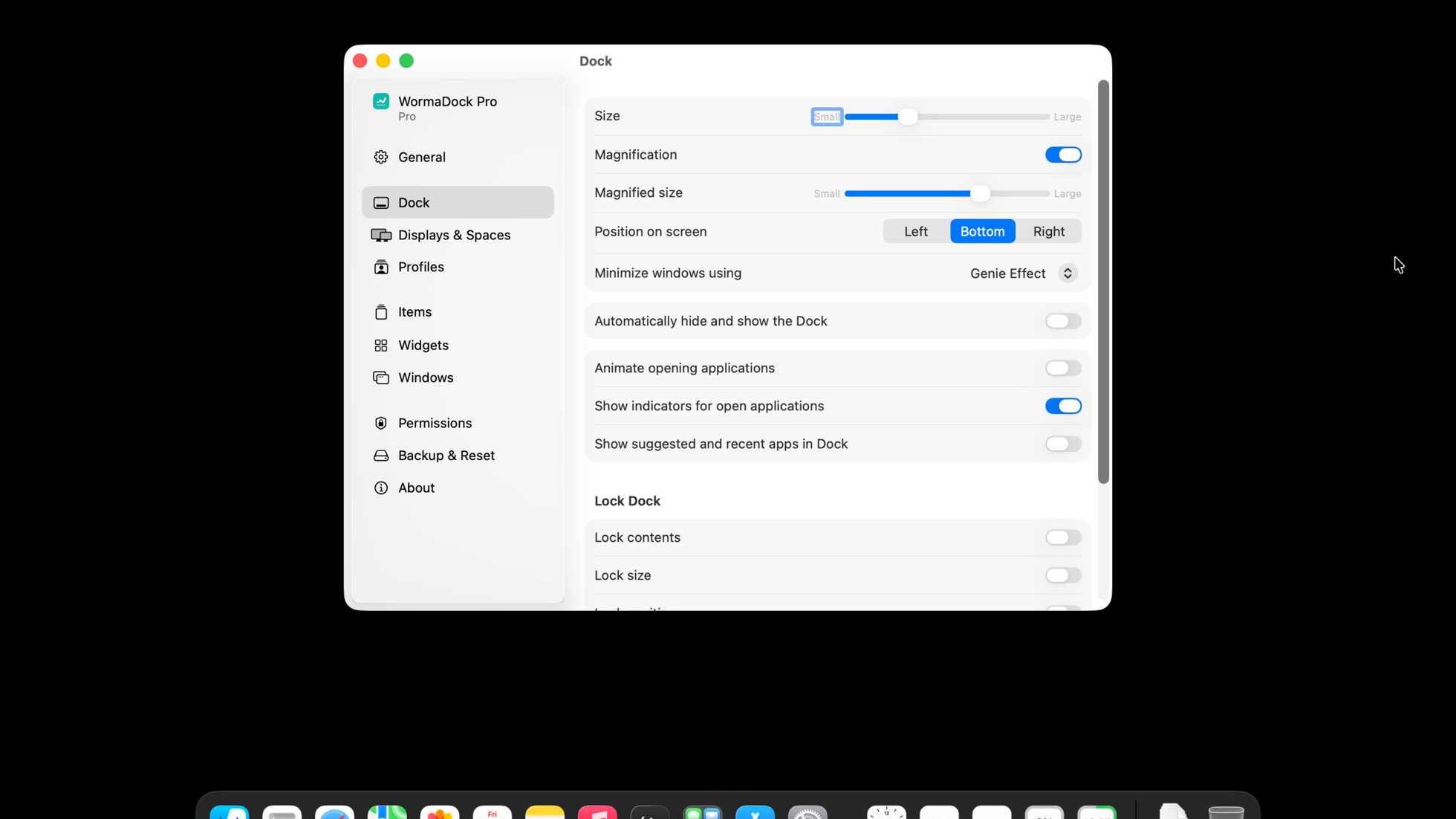
WormaDock is a replacement for the macOS Dock that looks and behaves like Apple's: its magnification, bounce, autohide, stacks, menus and drag and drop use values read from Apple's own Dock rather than fitted to screenshots. On top of that it adds window previews and window arranging, 15 free widgets, app groups, custom icons and hotkeys, and, with WormaDock Pro, a different Dock on each display and Space, with profiles that follow Focus. Apple's Dock keeps running hidden for Mission Control, Spaces and Command-Tab, and gets its settings back when WormaDock quits. WormaDock is free; Pro is a one-time purchase of $15 ($9.99 at launch) with a 30-day trial, one key for 3 Macs and a 30-day refund. It requires macOS 26 Tahoe or later on Apple silicon.
App icon
Screenshots
Taken on macOS 26 at 2x. Light and dark versions of each.
Facts
| Name | WormaDock |
|---|---|
| Developer | WormaDev |
| Price | Free. WormaDock Pro $15 one-time, $9.99 launch price; 30-day trial; one key for 3 Macs; 30-day refund |
| Requirements | macOS 26 Tahoe or later, Apple silicon |
| Release | 1.0.0, [release date] |
| Website | dock.worma.dev |
| Download | GitHub releases, brew install --cask wormadock/tap/wormadock |
| Support | GitHub issues |
Contact
Press enquiries and review copies: [email protected]. Review keys for WormaDock Pro are available on request.